
Packaging EPR reporting
with a DIY path.
Bring your products, supplier documents and sales together. See what needs review, inspect calculations, and prepare reports for your configured requirements.
Use the free sample workpapers to prepare your own data and report through the official portal. PackageReports is optional software for teams that want the same work in a clearer, reviewable UI.
No purchase is needed to use the public guides and sample files. Reporting availability and portal steps vary by location and period; verify them with the official program.
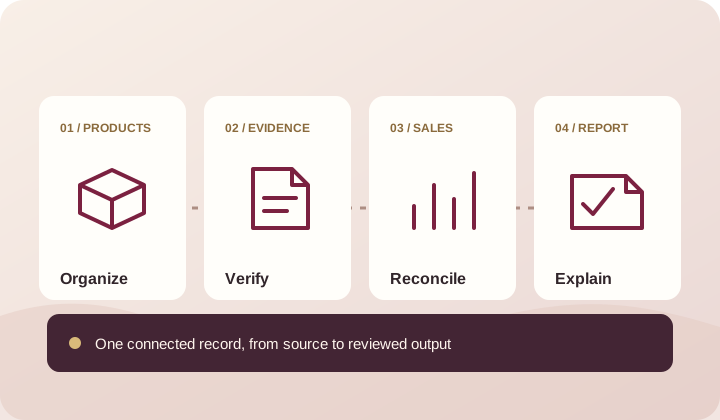
Start with locations and products, then verify obligations against official sources.
Connect specifications, supplier responses, and sales to the values they support.
Review the versions and decisions behind a calculation before you export it.
Reporting starts long before the form.
Packaging data rarely arrives in one clean file. A supplier changes a component. A sales export uses a different SKU. Someone knows why a value moved, but the explanation stays in their inbox.
PackageReports gives that work a home. Gather the records, resolve gaps, assign review, and keep a visible path from source data to the final output.
Why we built PackageReportsA clearer path to a reviewable report.
Move one step at a time. Each stage keeps its source and review history.
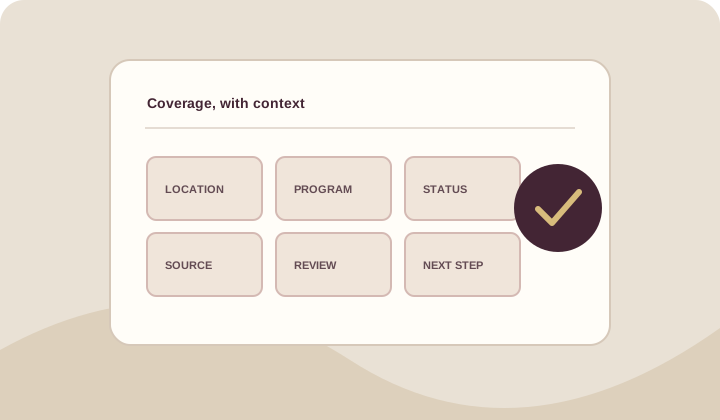
Map your locations
Identify possible exposure and check which requirements are published.
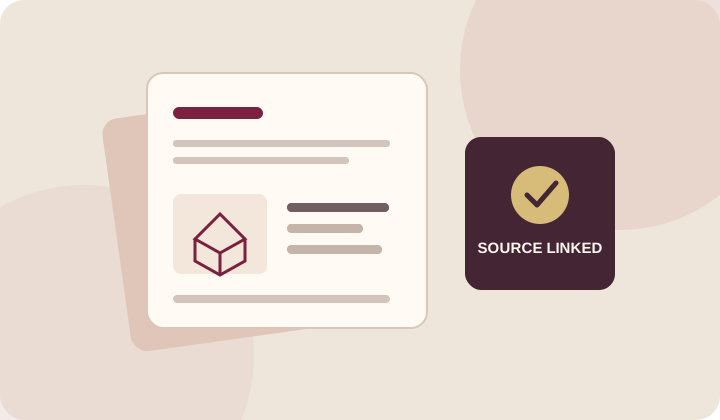
Build the record
Bring products, packaging components, suppliers, and original evidence together.
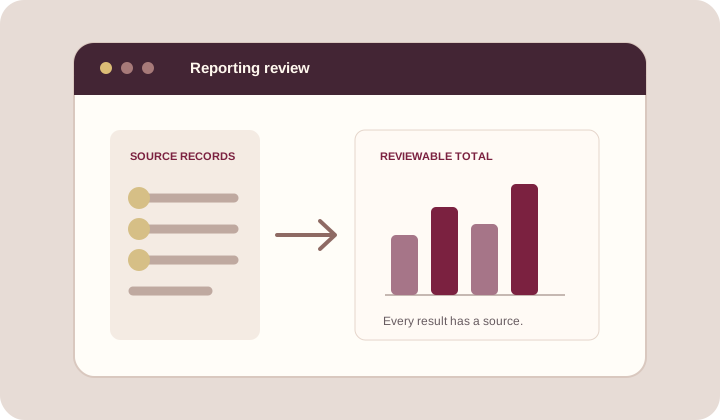
Reconcile and review
Resolve sales gaps and send specification changes through review.
Prepare and export
Inspect totals, keep source versions, and export a report for external filing.
Confidence comes from a record you can inspect.
A useful report should answer more than “what is the total?” It should show what went into it, what was reviewed, and what still needs attention.
Explore product capabilitiesEvidence beside the data
Original files stay connected to the fields and components they support.
Changes with history
Keep prior specifications and the decisions that approved a revision.
Calculations you can follow
Trace totals through sales, packaging, requirements, and versions.
Know what went into every report.
See which location-specific requirements are ready for your team to use.
Check source records, sales reconciliation, and calculation inputs together.
Owners can export company records and original files, even after a subscription ends.
Make sense of the work ahead.
Practical guidance for the people collecting data, reviewing decisions, and preparing reports.
Your first PackageReports workspace: a practical checklist
A starting sequence for teams that have packaging data in more than one place.
Read more
Packaging EPR: what a producer needs to establish before reporting
The useful question is not whether EPR exists, but which products, entities, materials, and locations a particular program covers.
Read more
Export your company records and original files
Take a structured copy of your records before changing services or closing a workspace.
Read moreKnow what you have.
Know what needs work.
Choose where you sell to see available reporting guidance, then build a process your team can repeat.